Free patch for the GOG version · Windows 10 & 11
Interstate '82 in widescreen and 4K, fixed for Windows 11
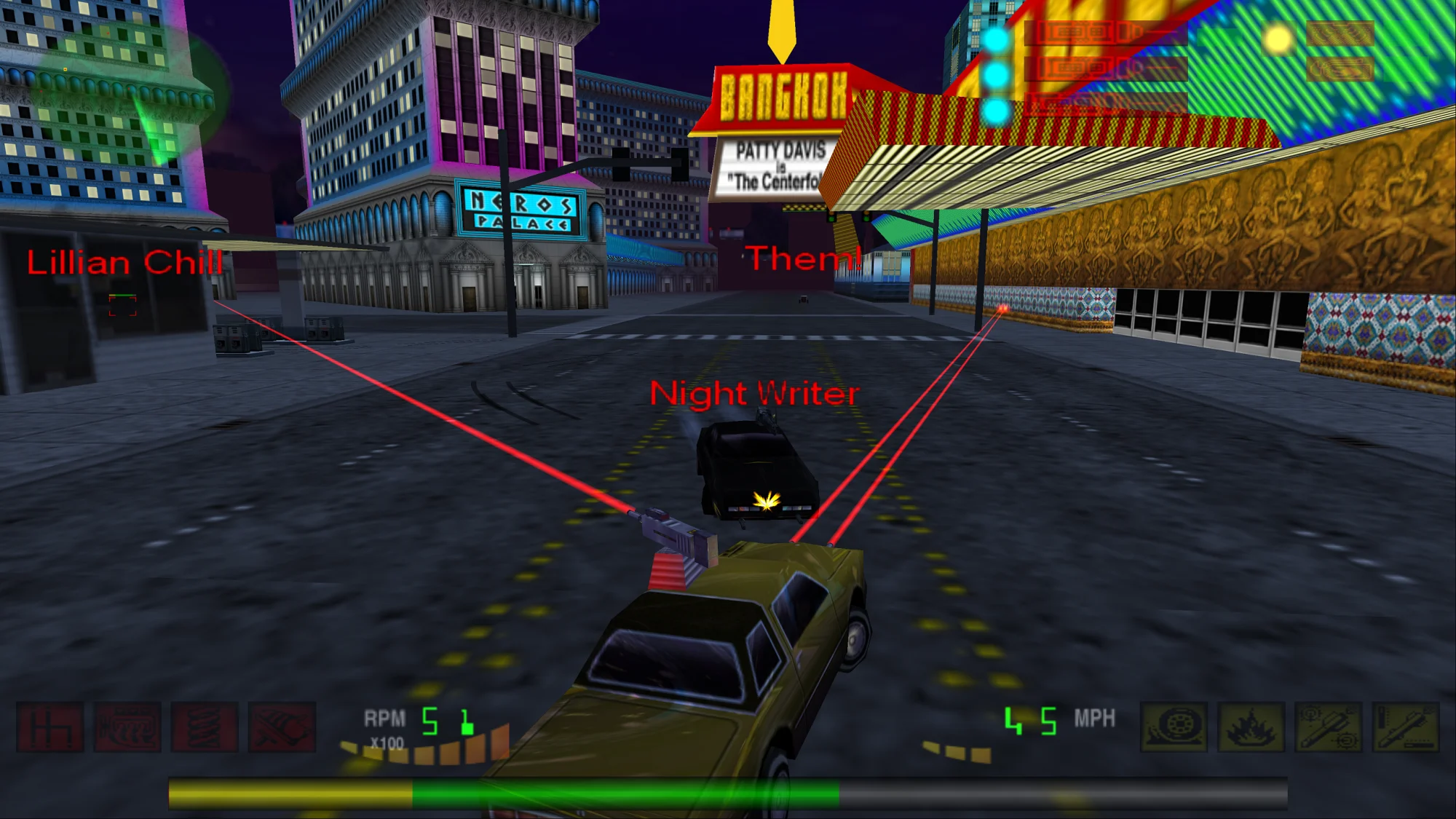
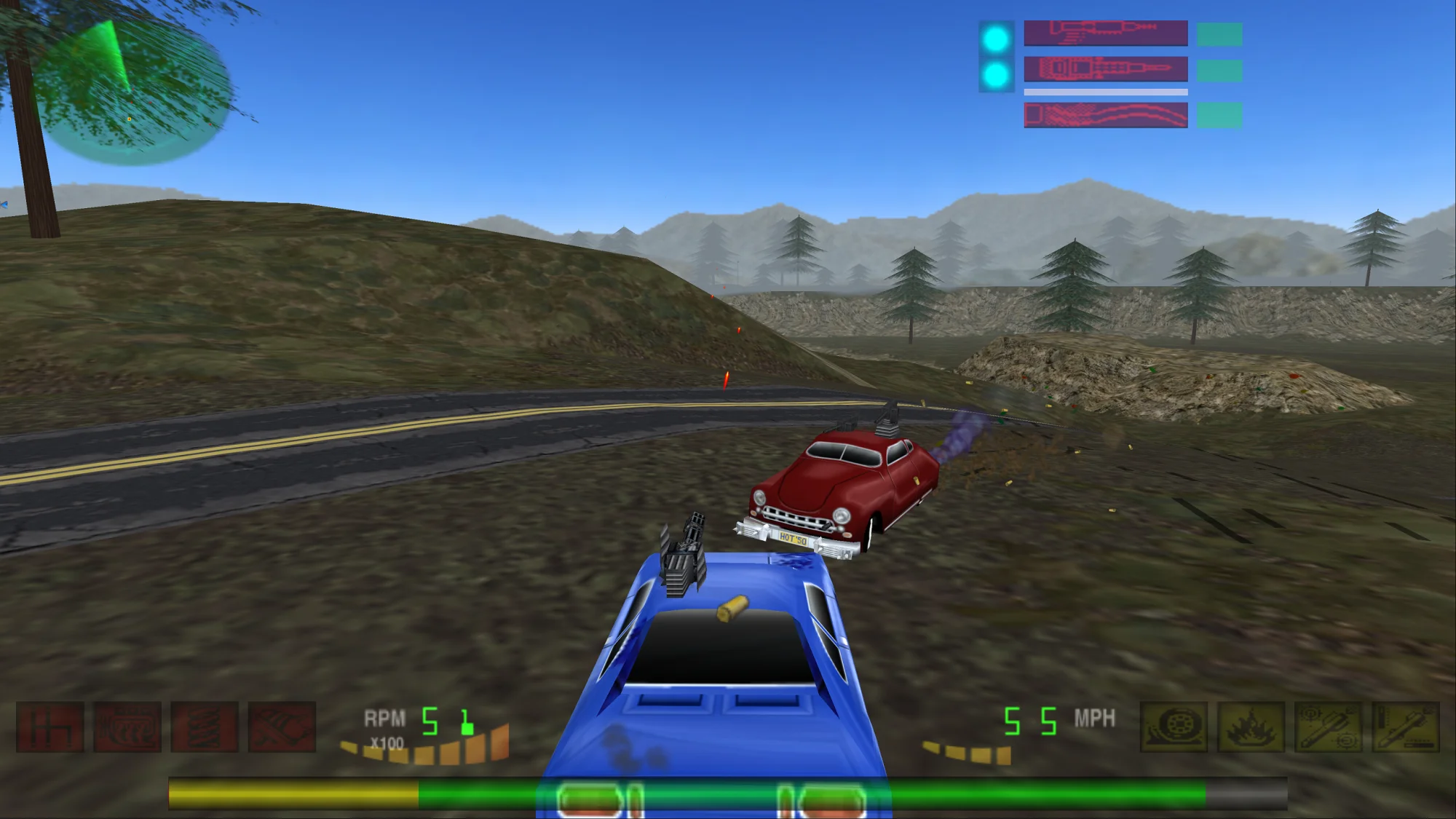
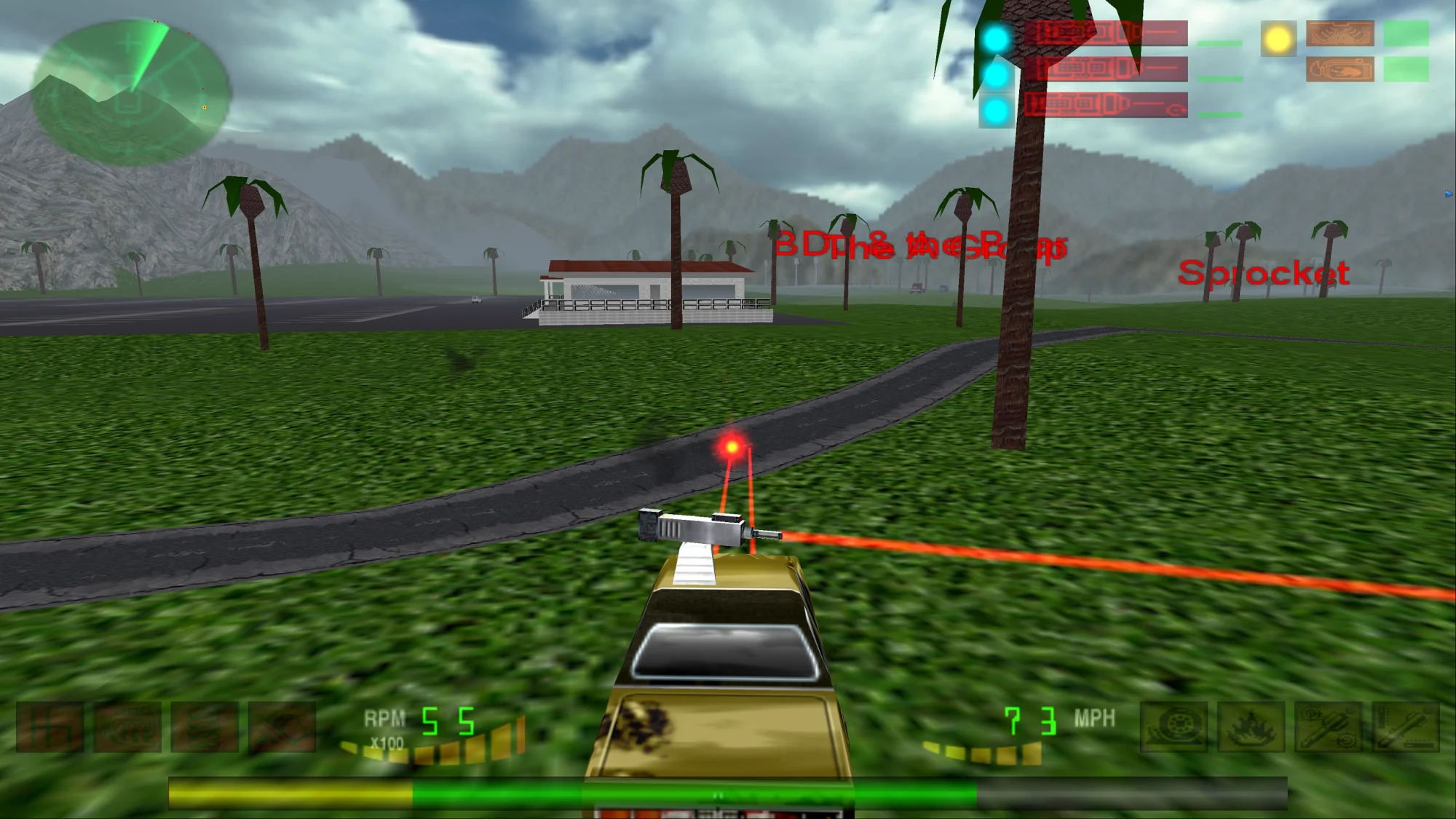
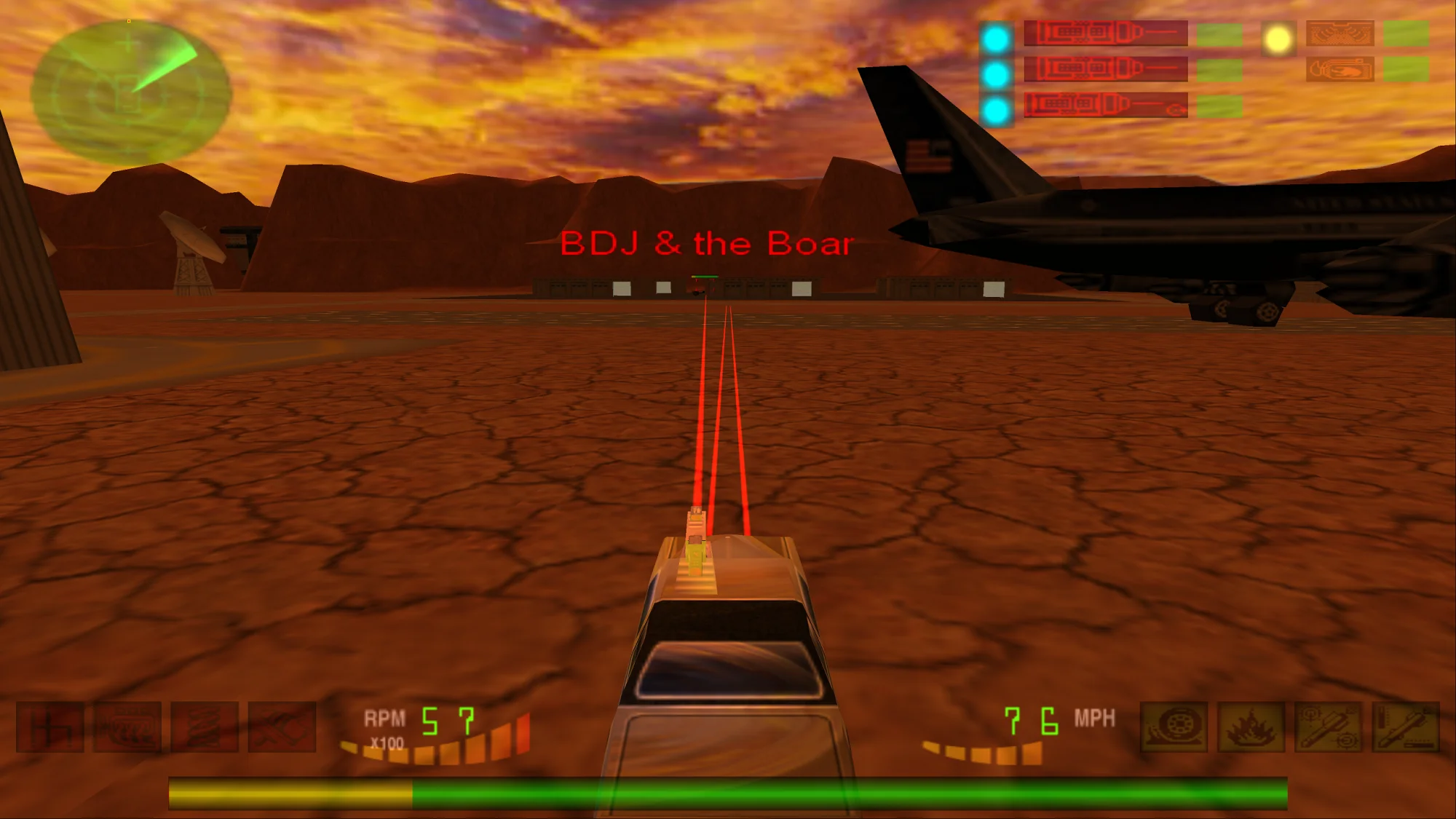
Interstate '82 only ever offered 4:3 and 5:4 resolutions and crashes on modern Windows. This patch adds 1920x1080 and 3840x2160 to the game's own video options, fixes the start-up hang, the mission-load crash and the broken key binding, gets the soundtrack playing next to the sound effects, and can triple the draw distance.
- 1920x1080 & 4KReal 16:9, no stretching
- Windows 10 / 11Crash and key-binding fixes
- 3x draw distanceOptional, one double-click
- MIT licenseNo game files included
What the patch does
- Widescreen and 4K resolutions. The game accepts exactly four hardcoded modes: 640x480, 800x600, 1024x768 and 1280x1024. The patch widens that filter, so 1920x1080 and 3840x2160 appear under Options → Graphics. The picture is rendered natively instead of stretched, and the HUD moves to the screen edges and scales with the resolution. The field of view is Hor+: 16:9 shows the same height as 4:3 plus more to the sides, instead of cutting off the top and bottom.
- Restart crash and missing car fixed. In busy scenes the game ran out of room in its per-frame render lists: it wrote past the end of one, which crashed "Restart Mission" in Vegas, and stopped drawing when the other was full, which could leave the player's car invisible at the start of a level. The patch gives the renderer enough room for both.
- Mission-load crash fixed. On Windows 10 and 11 the GOG version can crash while a mission loads. The patch contains a narrowly targeted heap fix for it.
- Key binding fixed. Modern Windows reports empty or localized DirectInput key names, so the controls screen cannot bind keys and the game complains that controls do not exist. The patch supplies the English key names the game expects.
- Start-up hang and soundtrack fixed. On current Windows 11 the GOG version can hang before it opens a window, because of the
winmm.dllGOG added to play the soundtrack. The patch brings its ownwinmm.dllin its place, which starts cleanly and plays the soundtrack next to the sound effects, which could not be heard while the music played. - Music volume slider fixed. On many audio drivers the game's music slider moved a Windows mixer control that has nothing to do with the soundtrack, so the music always played at full volume. The patch makes the slider control the music again; the setting takes effect when a mission starts.
- No pop-in on cars. The game turns distant wheels into flat sprites beyond 20 m and drops weapons beyond 50 m, which the longer draw distance makes obvious. The patch keeps both at full detail.
- No developer popups. A diagnostic message box that appears at every mission start is answered automatically.
- Borderless fullscreen through DDrawCompat. No DxWnd, no launcher: start the game as usual. The included profile also turns on 16x anisotropic filtering, which keeps distant ground and road textures sharp.
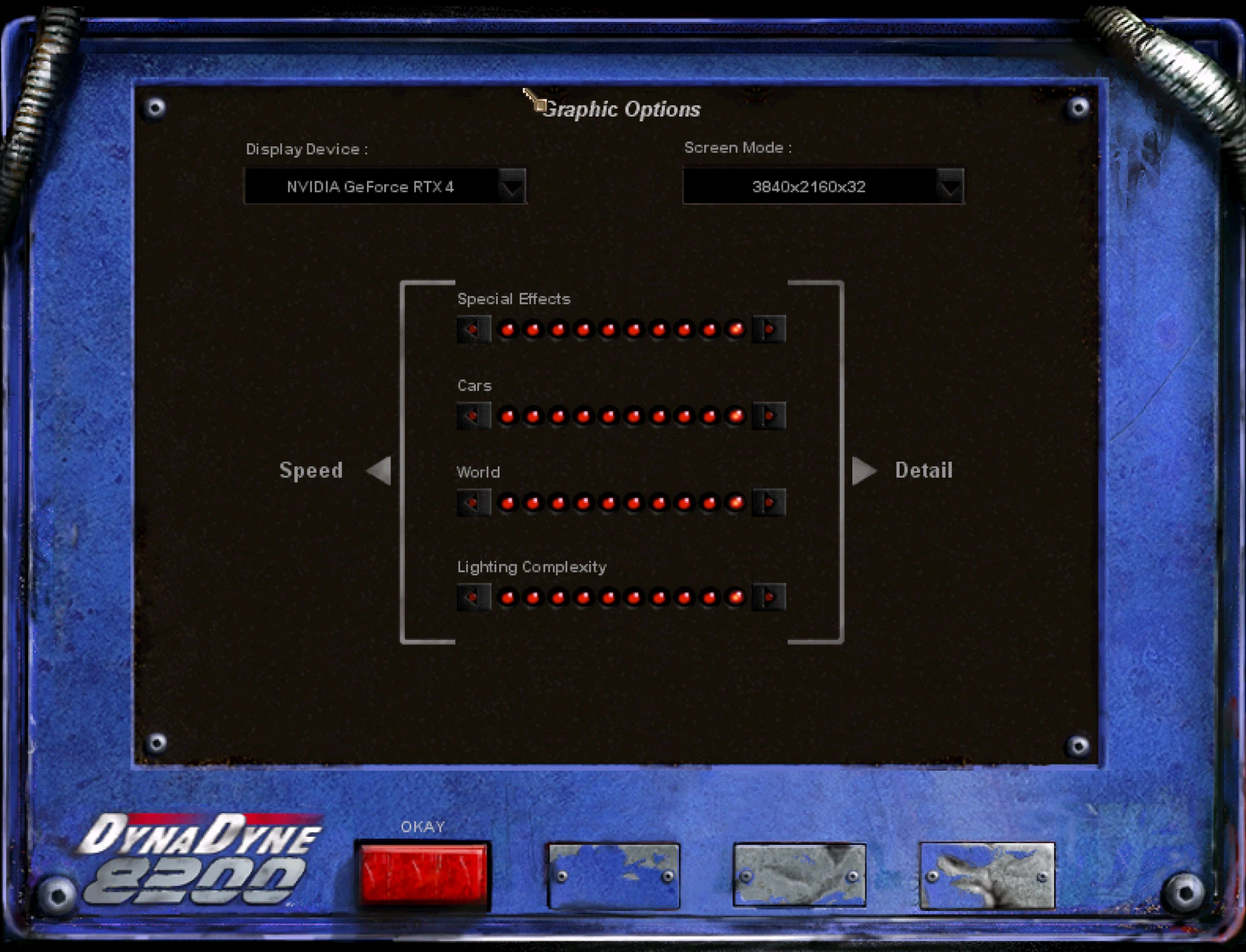
Performance is not an issue: on an RTX 4070 Ti the game runs at about 240 FPS in 1920x1080 and about 100 FPS in 3840x2160. The frame rate is not capped.
Installation
- Back up your Interstate '82 folder (GOG default:
C:\Program Files (x86)\GOG Galaxy\Games\Interstate 82). - Download the ZIP from the latest release and extract it into the game folder, next to
i82stubz.exe. Confirm replacingwinmm.dll. - Download DDrawCompat and put its
ddraw.dllinto the same folder. - Start the game normally and choose the resolution under Options → Graphics.
3840x2160 is only offered when your desktop is at least 3840x2160. To undo everything, delete dinput.dll, ddraw.dll and DDrawCompat-i82stubz.ini, and restore GOG's winmm.dll from your backup or with "Verify / Repair" in GOG Galaxy.
Longer draw distance (optional)
The in-game setting is already at its maximum, but the real clipping and fog distances are stored per level in i82.zfs. Double-click patch_viewdistance.exe from the ZIP in the game folder, next to i82.zfs. It sets the clipping distance to 3x and the fog to 2x, which removes the fog wall without pop-in and costs no measurable performance.
With the longer view you would also see the cars switch to coarser models in the distance. The tool therefore keeps every car at its full detail level at any range: each car model's two distant detail levels are pointed at the detailed one. Wheels and weapons, which the game simplifies by distance as well, are kept at full detail by the patch's dinput.dll.
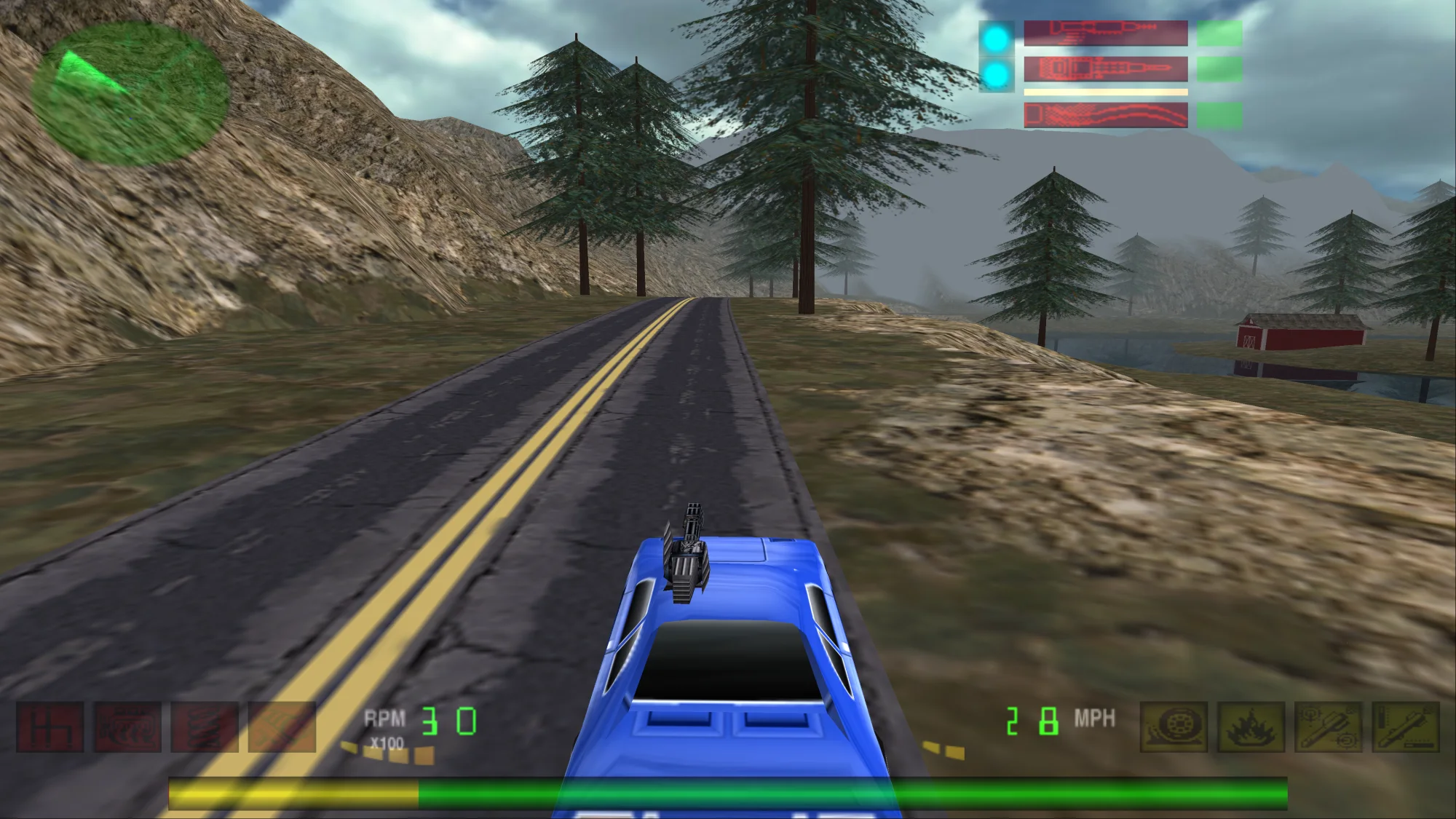
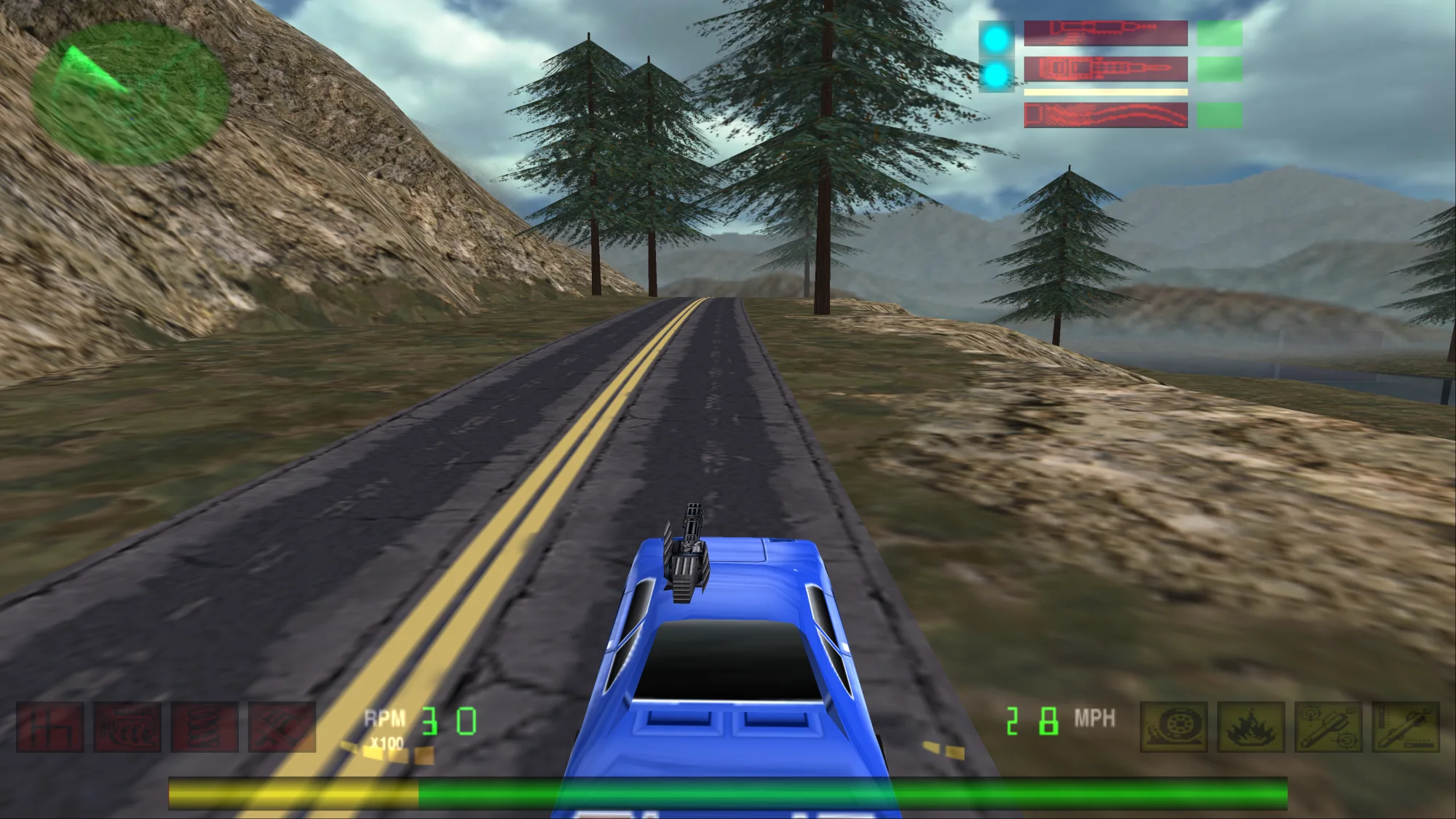 Original
3x draw distance
Original
3x draw distance
The tool keeps an untouched copy as i82.zfs.original; double-click again to restore it. Other factors work from a command prompt:
patch_viewdistance.exe --clip 4 --fog 2.5
patch_viewdistance.exe --restore
Troubleshooting
The game does not start at all
No window, no error, but i82stubz.exe is in Task Manager: GOG's own winmm.dll is in the game folder instead of the patch's. End every i82stubz.exe in Task Manager and copy the patch's winmm.dll into the folder again. "Verify / Repair" in GOG Galaxy puts GOG's file back.
"Where is shell dll?" and "Shell Error!" on startup
An overlay hooks the game while it starts. RivaTuner Statistics Server (RTSS, part of MSI Afterburner) does this reliably, with or without this patch. Start the game first and RTSS afterwards, or give i82stubz.exe a profile in RTSS with Application detection level set to None.
No 1920x1080 or 3840x2160 in the options
Check that dinput.dll is in the game folder next to i82stubz.exe: it is what adds the two modes to the game. 3840x2160 is only offered on a desktop of at least 3840x2160. If your display does not report these modes itself, DDrawCompat needs them in the SupportedResolutions line of DDrawCompat-i82stubz.ini, so also check that the profile is there and not renamed.
"Unable to set your chosen screen resolution"
Usually a leftover i82stubz.exe from an earlier crash still holds the display mode. End it in Task Manager and start the game again.
Car stuck in the terrain
Press Esc, type nukeme and press Esc again to self-destruct. This is the official workaround from the game's readme.
AI transparency
This patch was made with an AI coding assistant, Claude by Anthropic, which did most of the hands-on work: reverse engineering the game, writing the code, running the automated tests, and writing the documentation and this page.
The maintainer, SputnikKaputtnik, sets the goals, plays the game on two Windows 11 PCs (a gaming machine with a dedicated GPU and a laptop) for the checks no script can do, such as listening for the music or spotting a missing car, decides the trade-offs and approves every release. No second human developer has reviewed the code. More detail in the README.